

Introduction
The future of the web isn’t just about new frameworks. It’s about building, faster, smarter, simpler and more accessible websites and applications. Let’s dive into the top 5 trends you should watch.
AI-Assisted Development Is Becoming Part of the Workflow
Developers now use AI tools to explain unfamiliar code, create tests, find bugs, refactor existing projects, generate documentation, and build early versions of features.
The numbers show how quickly this has entered normal development workflows. In Stack Overflow’s 2025 Developer Survey, 84% of respondents said they were using or planning to use AI tools in their development process, while 51% of professional developers reported using them daily. At the same time, concerns about accuracy and security remained significant.
That last part is important. AI can save time, but developers still need to understand and review the result.
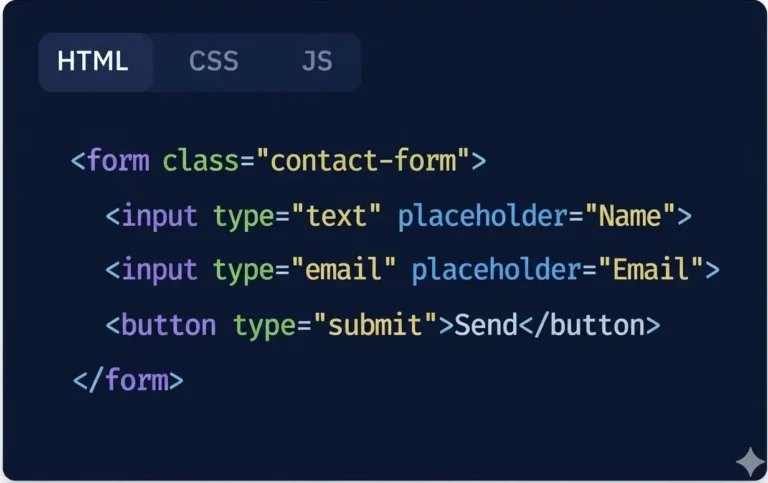
For example:
Imagine you’re building a registration form.
Instead of manually creating every part from scratch, you could ask an AI coding assistant to create:
- The HTML structure
- Form validation
- Error messages
- Basic styling
- Unit tests
That can give you a useful starting point in minutes.
Pro Tip:
Start with small, repeatable tasks.
Use AI to:Write test cases, Explain old code, Generate documentation, Find repetitive code, Suggest refactoring ideas, Create a first draft of a component
Then review everything before it reaches production.The goal isn’t to write more code. The goal is to spend more time solving important problems.
Server-First Applications Are Getting More Attention
For years, more and more work moved into the browser.
That made highly interactive web applications possible, but it also created a common problem: too much JavaScript.
A modern application doesn’t always need to send a large amount of code to the user’s device.
A better approach is often to decide which work belongs on the server and which work actually needs to happen in the browser.
This idea appears in several modern full-stack patterns, including server rendering, server components, streaming, and partial rendering.
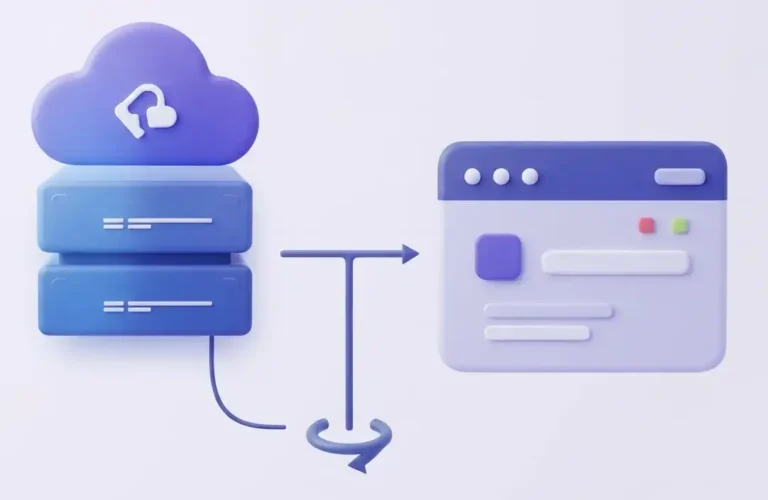
For example:
A content-heavy website such as a news site or blog doesn’t need every article to behave like a complex application.
The server can prepare the article page, while JavaScript handles smaller interactions such as:
- Search
- Comments
- Menus
- Like buttons
- Interactive media
This can keep the page simpler without sacrificing useful features.
Pro Tip:
Before adding another client-side library, ask:
Does the browser really need this code?
If the answer is no, consider moving the work to the server or using a simpler browser-native solution.
Edge Computing Can Bring Applications Closer to Users
Website performance isn’t only about code. Distance matters too.
If your application server is far away from the person visiting your website, network latency can add delay.
Edge computing addresses part of this problem by allowing certain requests, functions, and content to be handled closer to the user.

For example:
Imagine an application with users in:
- Pakistan
- Germany
- Canada
- Australia
If every request has to travel to one central location, users who are geographically far from that location may experience additional network delay.
Browser-Native Features Are Reducing Unnecessary JavaScript
One of the most exciting changes on the modern web is happening inside the browser itself. Browsers are becoming capable of doing more without requiring developers to install a library for every feature.
In 2026, Web Platform Baseline includes a growing list of modern HTML, CSS, and JavaScript capabilities, including container style queries, “@scope”, active view transitions, the Navigation API, Trusted Types, and other features.
For example:
<product-card
title=”Wireless Headphones”
price=”$79″>
</product-card>
The component can then be reused in different parts of a website.
Pro Tip:
Before installing a package for a small UI feature, check:
- MDN
- Web Platform Baseline
- Current browser support
- Your users’ actual browser requirements
Baseline is useful for understanding browser support, but it isn’t a replacement for accessibility, performance, usability, or real-device testing.
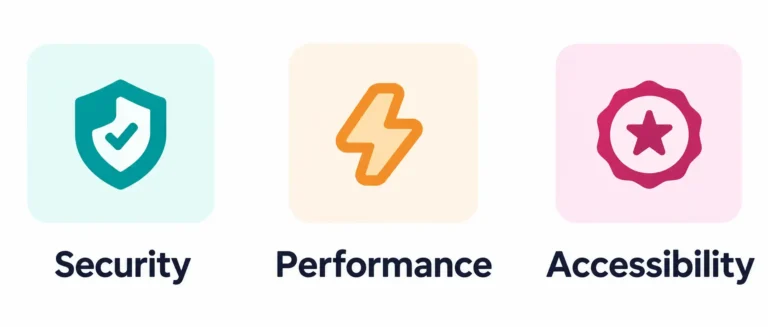
Security, Performance, and Accessibility Are Becoming Core Features
This trend may not sound as exciting as AI or edge computing, but it has a much bigger impact on the people using your website.
A beautiful website isn’t useful if it takes too long to load. A powerful application isn’t trustworthy if it exposes sensitive data. And a modern interface isn’t truly modern if many people can’t use it.
In 2026, these areas should be considered during development rather than treated as final checks before launch.
For example:
Replacing a huge hero image with a properly sized and compressed version can sometimes make a bigger difference than adding another optimization library.
Pro Tip:
For every new feature, ask five questions:
- Is it fast?
- Is it secure?
- Is it accessible?
- Does it work on mobile?
- What happens when something goes wrong?
That simple checklist can prevent many problems later.

Huma Yaseen
Web Developer
About Me
I'm a frontend and WordPress developer with 3+ years of experience creating modern, responsive, and user-friendly digital experiences.
Table of Contents
- Related Posts

- Tags
Web Development
HTML
CSS
WordPress
Website Tips
- Share This Post
Have a Project in Mind
Let's turn your idea into a modern, professional, and user-friendly website.
- Tips & Tricks for 2026
Reduce unnecessary JavaScript
Look at what your website actually sends to users.Remove scripts that provide little value.
Learn modern CSS
Spend time with features such as:- Container queries - ":has()" - "@scope" - Modern layout tools - View transitions
Use AI as a development assistant
Let AI handle repetitive work, but review the output.Understanding the code still matters.
Test on real devices
A website that feels fast on a powerful laptop may feel completely different on a low-end phone.
Check browser support
Don't assume a feature works everywhere just because it works in your browser.
- FAQ
Frequently Asked Questions
Find answers to the most common questions about my services and process.
How can AI improve my business website?
Do I need to redesign my website in 2026?
Why is website speed important for business growth?
A fast website creates a better user experience and makes it easier for visitors to explore your services or products. Improving website speed can also support SEO, reduce visitor frustration, and increase opportunities for leads and sales.
How can modern web development help increase sales and leads?
Modern web development helps businesses create faster, more secure, and easier-to-use websites. Clear navigation, strong calls to action, simple contact forms, and smooth checkout experiences can encourage more visitors to become customers.
How much does it cost to build a modern website in 2026?
Website development costs depend on the design, number of pages, features, and level of customization. A simple business website usually costs less than a custom eCommerce platform or a website with advanced AI features. The best approach is to choose features that match your business goals and budget.

Introduction SEO is not only about keywords and blog content. The way a website is designed and developed also plays
Introduction Building a website from scratch may seem complicated when you’re just getting started, but the process becomes much easier
- Share This Post