

Introduction SEO is not only about keywords and blog content. The way a website is designed and developed also plays
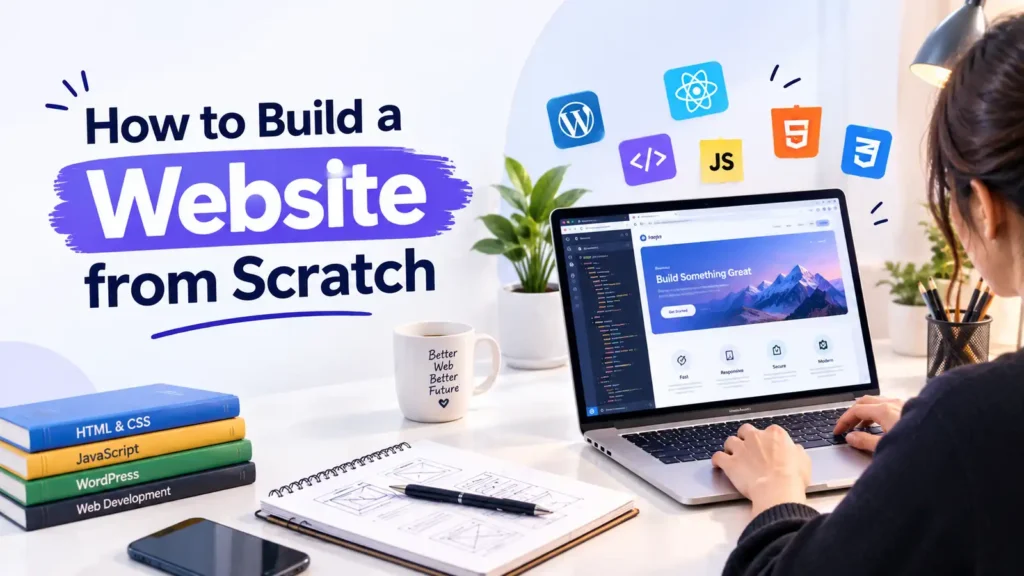
Building a website from scratch may seem complicated when you’re just getting started, but the process becomes much easier when you break it into clear steps.
Whether you’re creating a business website, personal portfolio, landing page, blog, or online store, a successful website needs more than attractive visuals. You also need a clear plan, reliable hosting, responsive design, useful content, good performance, and basic SEO.
In this guide, I’ll walk you through the complete website development process from planning your idea to launching and maintaining your website.
Pro Tip: Start with the main goal of your website and build everything around it. Your design, content, navigation, and calls to action should support that goal.
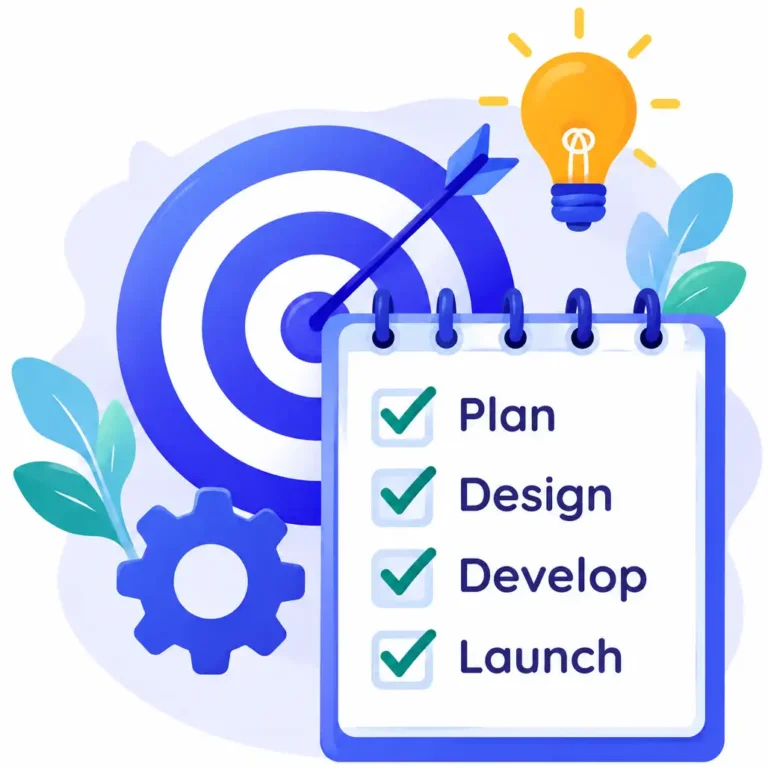
Before writing code or choosing a design, decide what you want your website to achieve.
For example: A business website may need:
Home, About, Services, Projects, Portfolio, Blog or Contact. A clear plan helps you avoid unnecessary pages and creates a better experience for your visitors.
You’ll also need reliable hosting with features such as good performance, SSL support, backups, and security tools.
Domain: Your website’s online address.
Hosting: The server where your website files and data are stored.

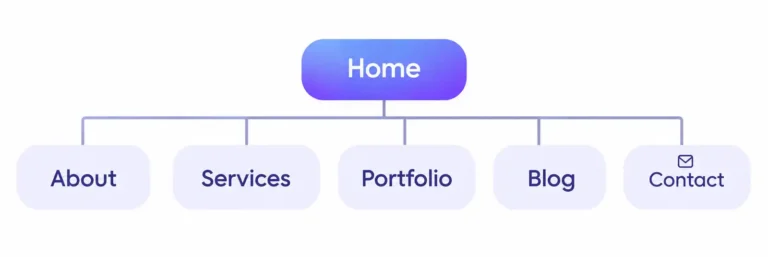
Once you know your goals, create a simple structure for your website.
This structure becomes the foundation of your website navigation.
You can also create a simple sitemap showing how different pages connect with each other.
A well-organized structure makes it easier for visitors to find information and helps search engines understand the relationship between your pages.
There are several ways to create a website depending on your requirements and technical experience.
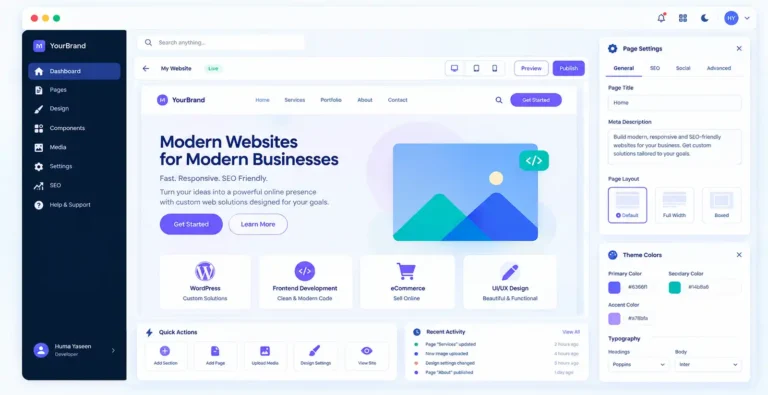
Before development, create a visual direction for your website.
You can create your design in tools such as Figma before converting it into a working website. A good design should not only look attractive it should also make the website easy to understand and navigate.
Now it’s time to turn your design into a functional website. If you’re coding manually, start with the HTML structure and then add CSS styling and JavaScript functionality.
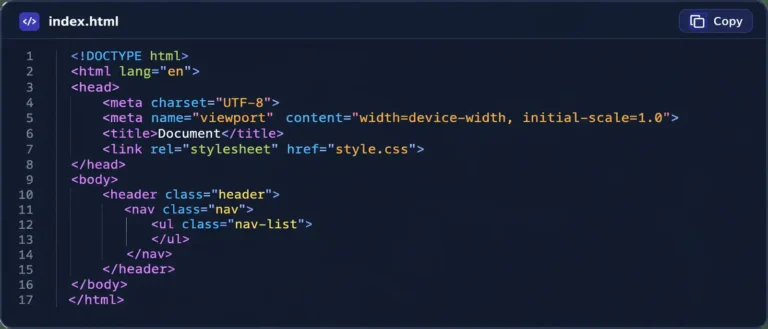
For example: your basic structure might include:
During development, make sure your code is organized, readable, and easy to maintain. If you’re using WordPress, you can build the design using a suitable theme, page builder, custom code, or a combination of these approaches.
Structure
Design
Function
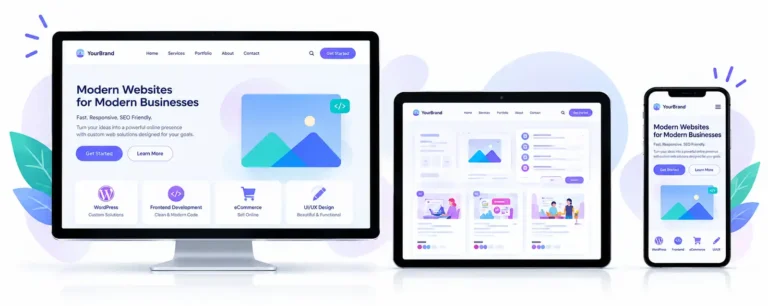
Test every important section on multiple screen sizes before launching.
Responsive design isn’t just about making a desktop layout smaller it means creating an experience that works naturally on every device.
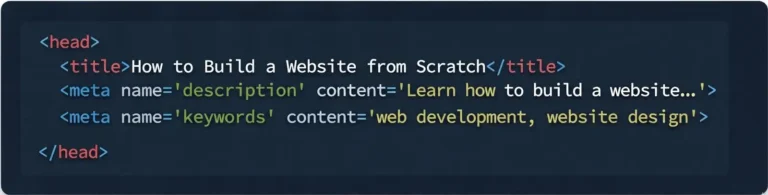
Pro Tip: Avoid stuffing keywords unnaturally into your content. Your primary goal should be providing genuinely useful information to visitors.
Google also notes that the page’s actual content can be used to generate search snippets, so writing clear and descriptive content matters
Don’t launch immediately after development.
Take time to test everything.
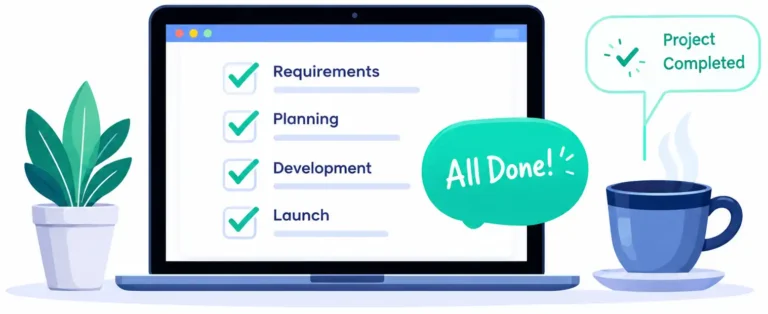
Once everything has been tested, you’re ready to launch.
Before making your website public, complete a final checklist:

Pro Tip: After launch, don’t simply forget about your website.
A website needs regular updates, maintenance, security checks, content improvements, and performance monitoring.

Web Developer
I'm a frontend and WordPress developer with 3+ years of experience creating modern, responsive, and user-friendly digital experiences.
Let's turn your idea into a modern, professional, and user-friendly website.
Building a website from scratch is a process that combines planning, design, development, content, SEO, testing, and ongoing maintenance.You don't need to build everything at once. Start with a clear purpose, create a simple structure, develop the essential pages, test the experience, and improve your website over time.Whether you're creating a personal portfolio or a professional business website, focusing on usability and valuable content will help you create a stronger online presence.
I’d love to help turn your idea into a modern, responsive, and professional online experience.
Find answers to the most common questions about my services and process.
Start by choosing your website’s purpose, registering a domain name, and selecting a hosting provider. Next, choose a platform like WordPress or build your website using HTML, CSS, and JavaScript. Design your pages, add content, test everything, and publish your website
Yes! Platforms like WordPress, Wix, and Shopify allow you to create websites without writing code. You can use ready-made templates, drag-and-drop editors, and plugins to customize your website.
A simple website can take a few days, while a professional business website may take 2–6 weeks. Larger websites with custom features, online stores, or advanced functionality usually take longer.
For a professional website, having your own domain name and reliable hosting is recommended. Your domain is your website’s address, while hosting stores its files and makes them accessible online. Some website builders include hosting in their plans.
Introduction SEO is not only about keywords and blog content. The way a website is designed and developed also plays
Introduction The future of the web isn’t just about new frameworks. It’s about building, faster, smarter, simpler and more accessible