Introduction Creating a website from scratch can feel overwhelming, but with the right plan and tools, you can

Creating a website from scratch can feel overwhelming, but with the right plan and tools, you can launch your own site with confidence.
I’m Huma Yaseen, a WordPress developer who has worked with entrepreneurs, coaches, and creatives to build websites that are modern, fast, and designed to grow.
Whether you’re building your first site yourself or simply want to understand the process, this guide will walk you through everything from choosing a domain name to optimizing for SEO.
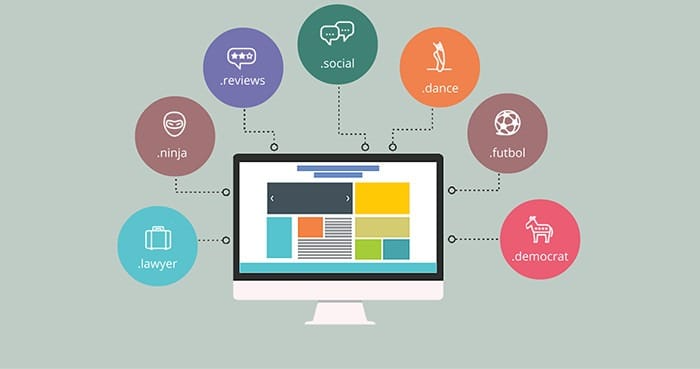
Your domain is your online identity. Pick something that’s:
Pro tip: Check availability using tools like Namecheap or GoDaddy.
Hosting is where your website “lives” on the internet. Look for:
If you’re using WordPress, managed hosting is worth considering for better speed and security.

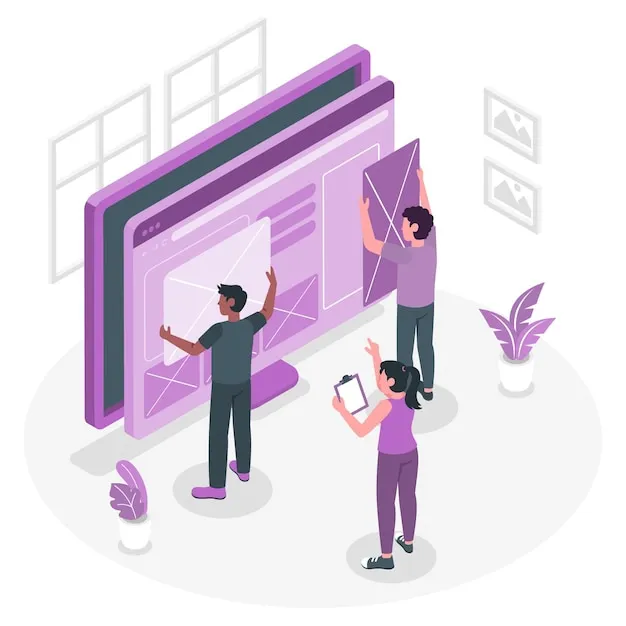
Before jumping into design, take some time to plan:
I usually map layouts in Figma or even on paper before building in WordPress.
For most people, WordPress is the best choice. It’s open-source, flexible, and SEO-friendly.

Once you’ve chosen your platform:
Content is what makes your site meaningful. Focus on:

SEO helps people discover your site on Google. Start with the basics:
Plugins like Yoast, RankMath make SEO setup simple.
Double-check everything before you go live:
When everything looks good, it’s time to publish Promote your website through:
Don’t forget to install analytics (Google Analytics or Plausible) to track visitors.
A website isn’t something you build once and forget. Keep it running smoothly by:
If you’d rather not handle the tech side, you can set up a simple maintenance routine or use a management service.
Building a website from scratch is easier than it seems once you break it into steps. With the right tools and approach, anyone can launch a site that looks professional and supports their goals.
Take it one step at a time, stay consistent, and you’ll end up with a website that not only looks good but actually works for you.
Latest Articles
Introduction Creating a website from scratch can feel overwhelming, but with the right plan and tools, you can
Introduction Web development is constantly evolving, and in 2025 it’s moving faster than ever. As technology advances, new
Introduction When it comes to building a website, design alone isn’t enough. A site should be visually appealing,
Get your website built with 2x faster delivery without compromising on quality. I’ll help you turn your vision into a high-performing website that’s clean, professional, and built to grow.
Let’s work together and create something that truly represents your brand.

Hi, I’m Huma Yaseen a freelance WordPress developer helping businesses build fast and modern websites.